Getting Started with OrangeX.com: A First-Visit Guide
Get oriented before moving funds
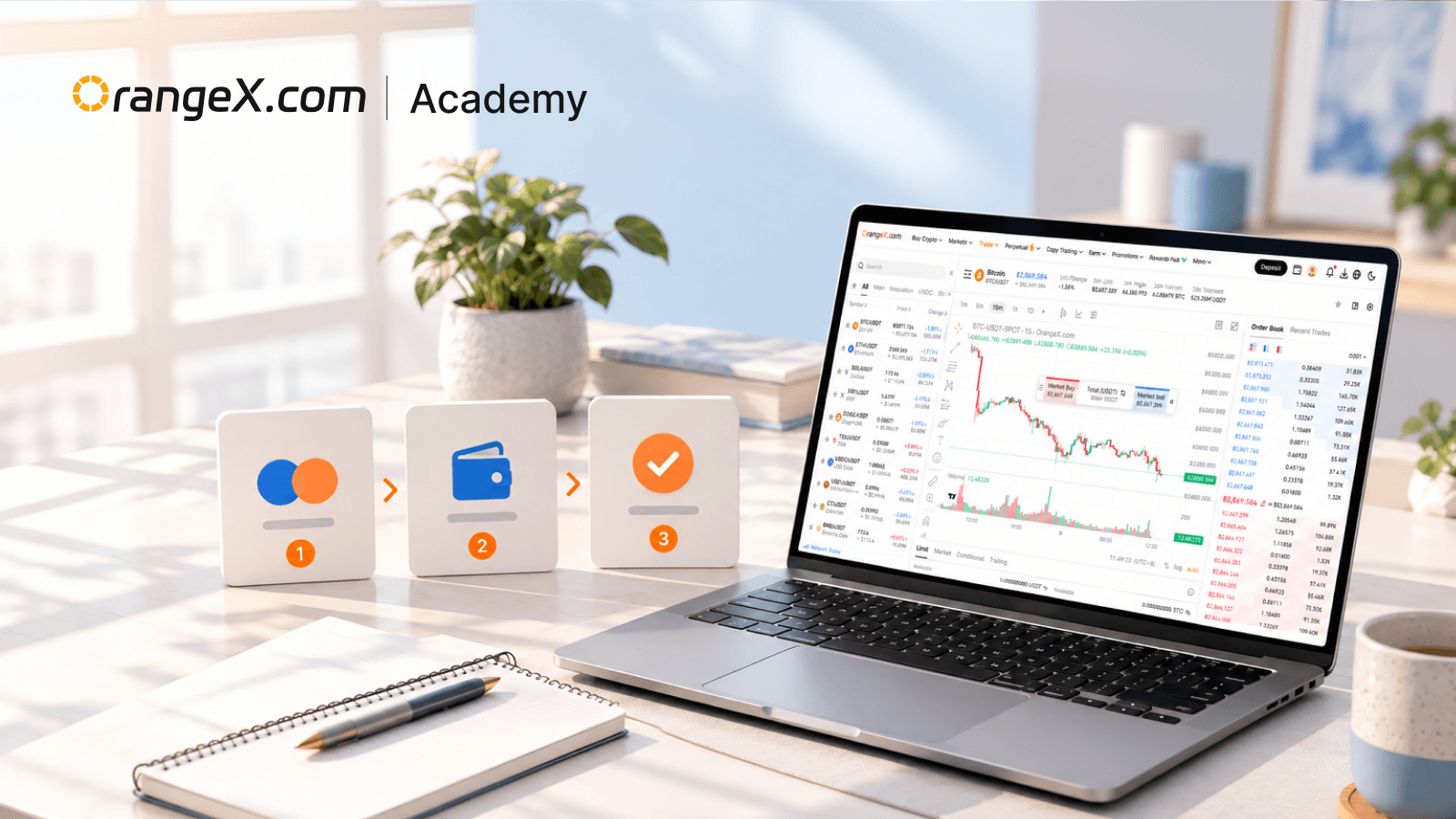
Your first visit to a trading platform is a good time to learn the layout and account controls. There is no need to place an order while learning where things are. Start from the official OrangeX website and use its own navigation to reach account settings and help resources.
OrangeX's safe-use guide covers registration, account protection, official-channel checks, deposits, trading, and withdrawals. Product access and verification requirements should always be checked in the current account interface.
Review account protection
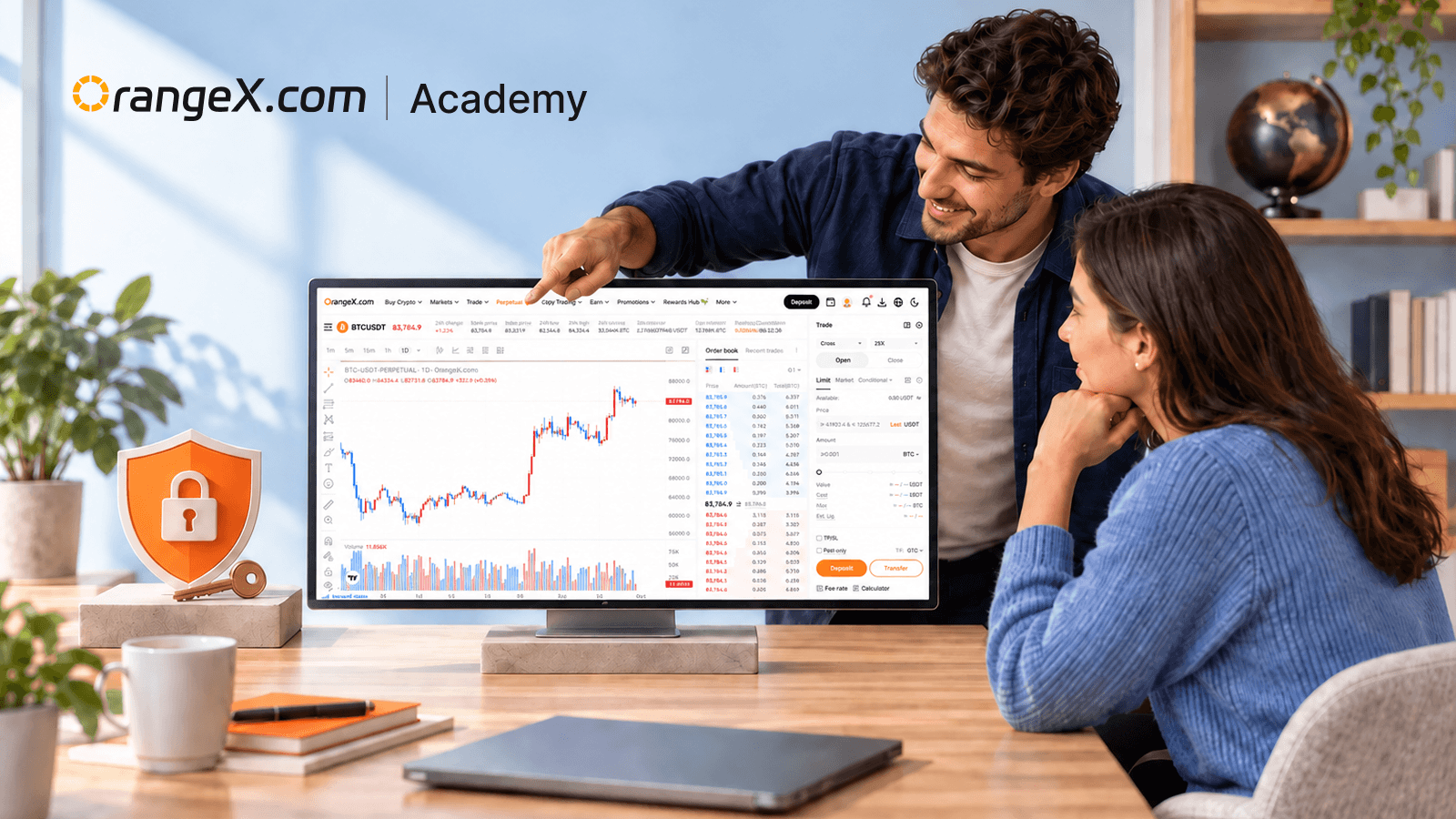
Open the security settings and review the verification methods available to your account. The OrangeX account security guide describes Google Authentication, passkeys, SMS, and login protection. Use a strong, unique password and keep recovery information private.
Treat unexpected messages asking for passwords, one-time codes, or a recovery phrase as a reason to stop and independently open official support. A familiar logo in a message does not verify the sender. Do not use a private chat as a substitute for the platform's own account controls.
Understand where assets are held
Before transferring between platform account sections, read the source, destination, asset, and amount. An internal account transfer and an on-chain transfer are different operations. The first moves a balance between supported account sections; the second uses a blockchain route and needs compatible receiving details.
For on-chain deposits or withdrawals, verify the asset, network, address, and any memo or tag required by the destination. Also check minimums, fees, and processing conditions displayed at the time. The OrangeX transfer safety guide explains which details to examine. Do not assume that a token supported on one network is supported on every network.
Explore a trading screen without submitting an order
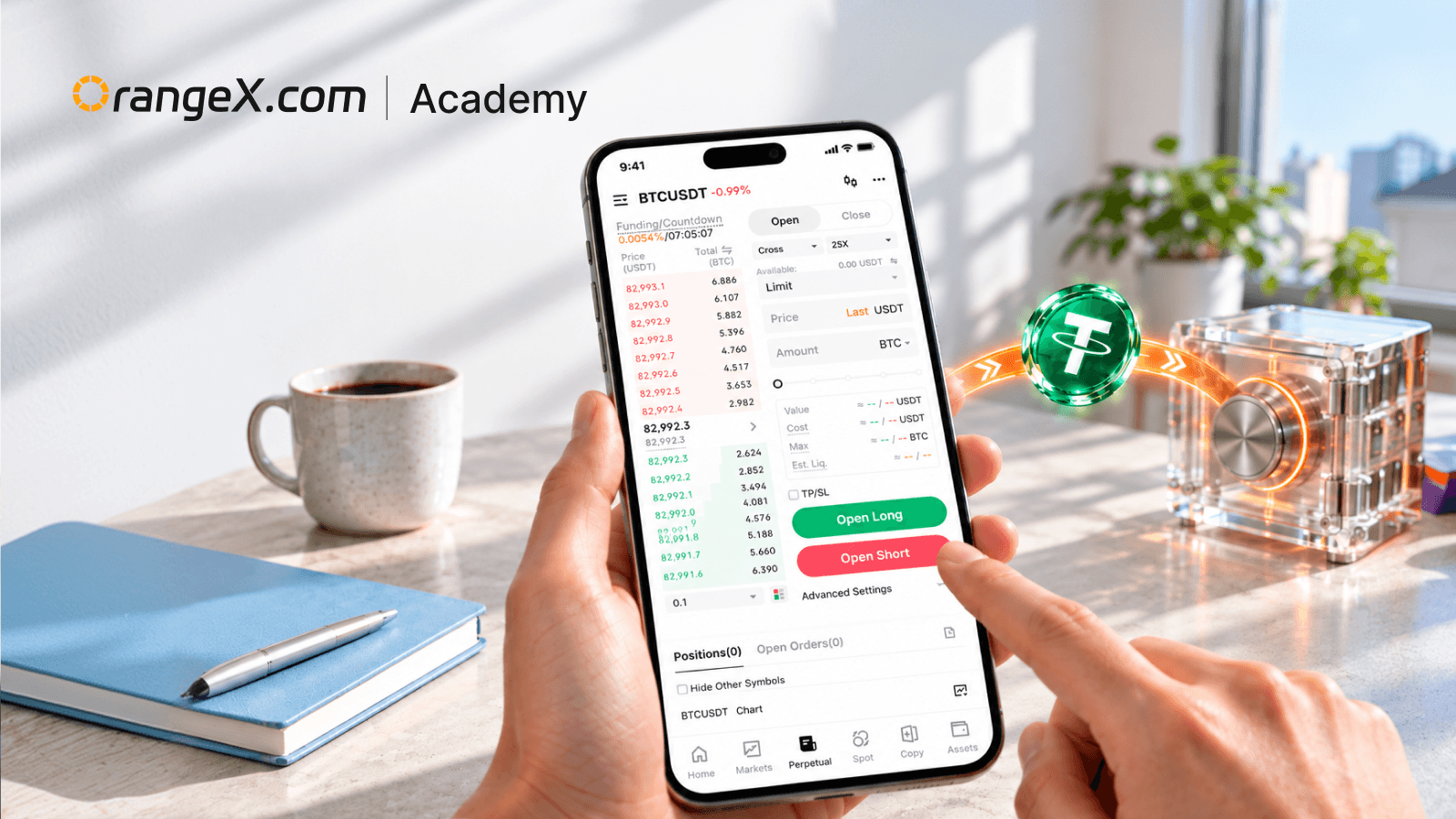
Identify the selected pair, product type, buy and sell controls, order type, available balance, and order history. If the screen shows leverage, funding, or liquidation information, you are looking at a different risk structure from an ordinary unleveraged spot purchase.
Use a written practice example to check your understanding: record the asset, price, quantity, and estimated cost, then explain what would change after a full fill, partial fill, or cancellation. This exercise requires no deposit or real trade.
Keep a useful help trail
When a screen is unclear, note its name and the exact message before searching the Help Center. Avoid sharing account secrets in screenshots. Follow current product instructions because menus and requirements can change.
The aim of a first session is familiarity with the platform and its controls. This guide does not recommend funding an account or placing a trade; all trading involves risk.